
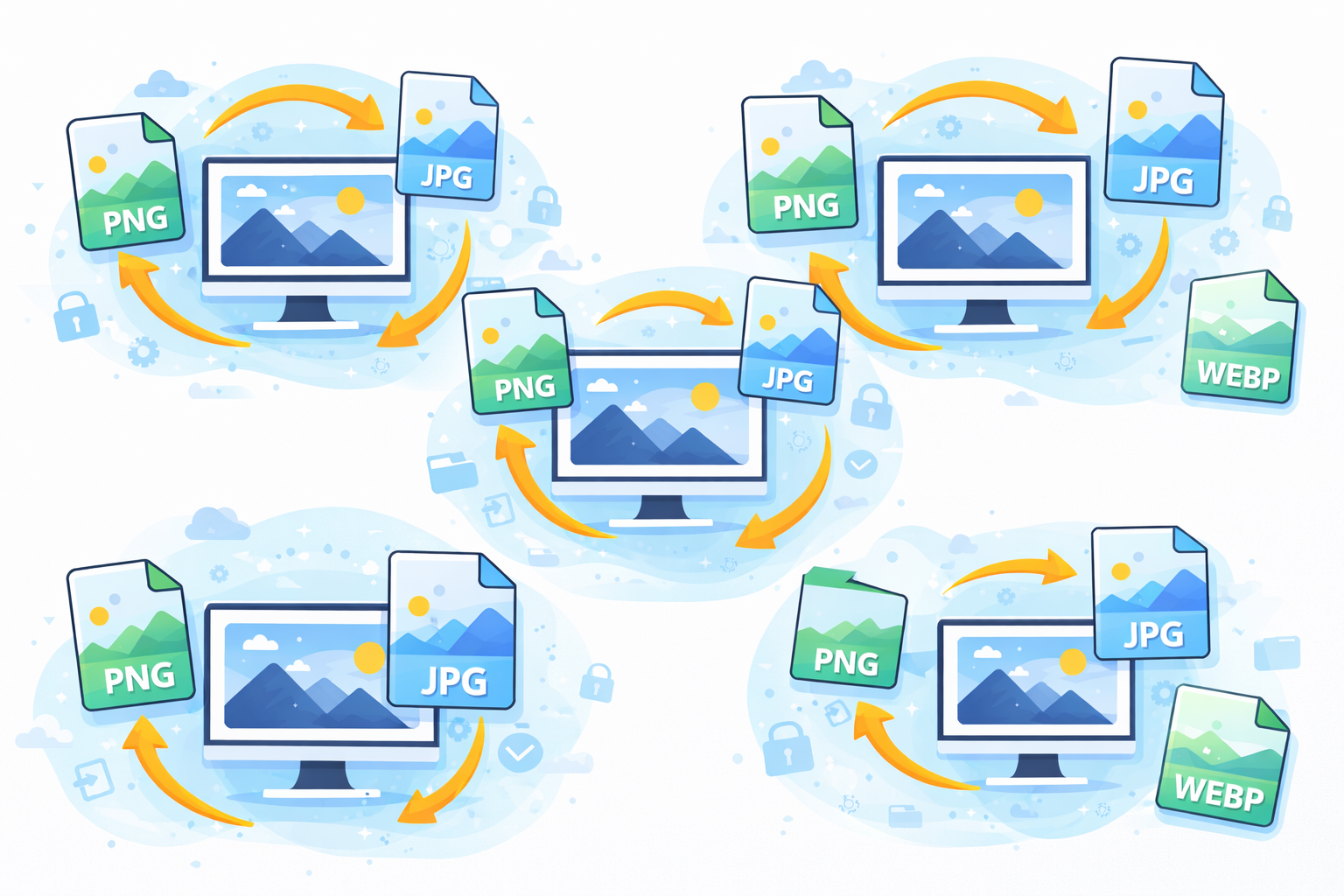
Introduction to Image Conversion in Modern Websites
Images are an essential element of modern websites. They help make websites visually attractive, convey information in a short time and keep users entertained. However, overly large or poorly optimized images can slow websites, negatively impacting users’ experience as well as search engine ranking.
This is precisely the reason Image Conversion is important for websites. Converting images to optimized formats decreases the size of files and speeds up loading, and makes sure that the site is compatible with different devices and browsers.
In the current digitally competitive environment Website speed and performance directly affect how users interact with your website’s content. Slow websites often lead to high bounce rates and a loss of opportunities. By converting images to modern formats like WebP or AVIF Website owners can drastically improve speed on their pages without compromising quality of the images.
Image conversion isn’t just about changing extensions of files. It is about choosing the appropriate format, effectively compressing files and balancing quality against performance. If done correctly Image optimization can greatly increase the speed of a website and search engine visibility and overall satisfaction of users.
Understanding What Image Conversion Means
Image conversion is the process of converting the image format into another format. For instance, it is possible to convert PNG images into WebP or JPEG to AVIF. Each format has its own features related to quality, compression and compatibility.
Common image formats are:
| Format | Best Use | Advantages |
|---|---|---|
| JPEG | Photos | Small size file |
| PNG | Images and graphics that are transparent | High-end |
| WebP | Modern websites | Smaller size and excellent quality |
| AVIF | Format of the future | Excellent compression |
| GIF | Animations | Motion of Support |
The purpose of converting is to keep the visual quality as high as possible while minimizing the size of files. The smaller files load quicker which reduces the stress on servers as well as the internet connection of users.
Why Image Conversion Is Important for Websites
Image conversion plays an important part in the modern development of web. Here are a few reasons to provide why Image Conversion is important for websites as well as how it affects usability and performance.
1. Faster Website Loading Speed
Images that are large in size is among the main causes of slow-loading websites. Converting images to compressed formats significantly reduces the the size of files.
Benefits include:
- Faster page rendering
- Reduction in bandwidth consumption of servers
- Better mobile browsing experience
Speed of pages is also an important factor in ranking for the search engines, so optimizing important.
2. Improved Search Engine Optimization (SEO)
Search engines favor websites that load fast and give users a smooth experience. Image conversion is a way to accomplish both.
Optimized images are a major contributor to:
- Speedier indexing
- Better Core Web Vitals
- More prominent rankings in search results
This is one of the major reasons Why Image Conversion is crucial for websites in an SEO viewpoint.
Enhanced User Experience Through Optimized Images
The majority of users are expecting websites to load nearly immediately. If websites take a long time to load, they typically leave before they have a chance to view the contents.
Optimized images aid in providing:
- Smooth scrolling
- Quick page changes
- Consistent visual quality
The users are much more likely to remain on sites that are professional and receptive.
Reduced Bandwidth Consumption
If images are converted into smaller formats, websites utilize much less bandwidth. This is especially beneficial to:
- High-traffic sites
- Users of mobile phones with limited internet access
- Hosting environments with bandwidth limitations
A lower consumption of bandwidth also reduces hosting costs in the long run.
Better Mobile Performance
Mobile devices are responsible for the majority of all internet traffic. Mobile networks could be slower than wired connections.
Image conversion improves mobile performance
- Reducing download sizes
- Accelerating page load times
- Making it easier to use on smaller screens
Modern formats such as WebP as well as AVIF are particularly efficient in mobile optimization.
Modern Image Formats and Their Advantages
The latest image formats are specially created for web-based performance.
WebP Format
WebP was developed through Google, WebP offers excellent compression while maintaining excellent quality images.
Benefits include:
- File sizes smaller that JPEG and PNG
- Help for transparency
- Speedier loading times
AVIF Format
AVIF is a more advanced format that offers more efficient compression.
Benefits include:
- Superior image quality
- Very tiny size of files
- The support for HDR and Transparency
Most modern browsers are now able to can support these formats.
For more information about modern image formats, go through the official guide published by Google:
https://developers.google.com/speed/webp
How Image Conversion Improves Website Performance Metrics
Web performance metrics like Core Web Vitals measure real user experience.
Optimized images can improve:
- Largest Contentful Paint (LCP)
- First Contentful Paint (FCP)
- Page Load Time
These metrics are vital indicators for search engines when making ranking decisions.
Common Image Conversion Mistakes to Avoid
While image conversion can be beneficial errors can compromise its effectiveness.
Over-Compression
A lot of compression can reduce the quality of images rendering images appear blurred or pixelsated.
Using the Wrong Format
Selecting the wrong format could cause unnecessary huge files or compatibility problems.
Example:
- PNG files for photos (inefficient)
- JPEG to create transparent images (not supported)
Ignoring Responsive Images
Utilizing the same size image across all devices eats up bandwidth and slows mobile websites.
Techniques for responsive images such as srcset should be utilized in all instances.
Best Tools for Image Conversion
Many tools are available to in automating and facilitating image conversion.
Online Conversion Tools
- CloudConvert
- Convertio
- TinyPNG
These platforms enable quick format conversions without installing software.
Desktop Software
Professional tools give you more control.
The most popular options are:
- Adobe Photoshop
- GIMP
- XnConvert
These programs permit batch conversion as well as sophisticated compression options.
Automated Website Tools
A number of content management systems can have automatic image optimization plug-ins.
Examples include:
- Image optimization plugins
- CDN-based optimization services
Automation ensures that images are perfect with no any manual effort.
Step-by-Step Guide to Converting Images for Websites
These steps will help you convert images efficiently:
- Select the right Format (WebP or AVIF in the majority of instances).
- Reduce the size of images while keeping the quality.
- Images can be resized to fit the dimensions of the display.
- Enable responsive images for different devices.
- Test the speed of websites with tools for performance.
This will ensure that you get the best performance gains.
Image Conversion and Website Security
While image conversion is primarily focused at performance and efficiency, the process may help improve security.
Benefits include:
- Eliminating unnecessary metadata
- Reducing file vulnerabilities
- Avoiding the embedding of malicious code in files
Clear, well-optimized images ensure safer web-based environments.
Impact on Website Accessibility
Optimized images make it easier for users to access the web by ensuring pages load fast for those with slower connections.
Other methods are:
- Using descriptive alt text
- Maintaining clear visual quality
- Beware of images that are too large.
Improvements in accessibility benefit users as well as search engines.
Future Trends in Image Optimization
Image technology is constantly evolving.
Trends that are emerging include:
- AI-powered compression tools
- Automatic format detection
- Image optimization using a browser
- Formats for next-generation formats that go above AVIF
These improvements will further improve web performance.
Frequently Asked Questions
1. What is the process of image conversion used for web design?
The process of image conversion involves the process of changing images between one type of format and to enhance efficiency, compatibility, or efficiency of compression.
2. What is the significance of image conversion for web sites?
It decreases file size and speeds up page loading and improves SEO rankings and improves the user experience.
3. What image format is the best for web pages?
WebP is currently among the top formats as it is high-quality and has considerably smaller size files.
4. Does image conversion affect image quality?
If done properly When done properly, conversion ensures high quality while also reducing the size of the file. However, over-compression can cause a loss of the clarity of the file.
5. Does image conversion help SEO positions?
Yes. faster websites and a improved user experience have a positive impact on the search engine results.
6. Are there automated tools to optimize images?
Yes. Many cloud and plugin services automatically compress and convert images before upload.
Conclusion
Understanding the reason why Image Conversion is essential for websites is crucial for anyone who manages an online presence. Optimized images increase loading speed and improve user experience and aid in improving results for search engines.
When choosing the appropriate formats, using trusted tools and avoiding common errors webmasters can drastically increase performance, without sacrificing quality of the visual.
As the web technology continues to develop Image conversion will continue to be crucial to web optimization. Implementing these strategies today will result in quicker, more user-friendly and more effective websites in the coming years.